




If you own a service-oriented business, you surely wear all the hats that exist: scheduler, bookkeeper, marketer, customer support representative, and maybe a service provisioner in between.
Constantly shifting from one environment to the next can be exhausting. This is where small business automation can be a game-changer.
Instead of handling each appointment, bill, and reminder manually, you can enlist intelligent workflows for the behind-the-scenes work. That gives you time to entertain clients, helping you run the business effortlessly.
Small business automation key points:
This tutorial will examine three crucial realms where automation helps the most in service SMBs:
- Scheduling & time management
- Billing, payments & revenue
- Marketing & client communication
You’ll find links to deep-dive guides so you can explore each area in more detail.
What is small business automation?
Small business automation involves using software and digital workflows to automate regular tasks, rather than doing them manually.
For service businesses this may include:
- Supporting online appointment booking
- Sending reminders and confirmations
- Issuing invoices and payment reminders
- Managing repeat billing & retainers
- Sending email and SMS campaigns
- Following up after appointments
- Maintaining customer files & CRM fields
The goal is simple: less admin, fewer errors, and a smoother experience for you and your clients.
Small business automation – why automate your service business?
Automation doesn’t replace your personal touch, it protects it. By removing repetitive work, you have more time and energy for the parts of your business that require your individual input.
A few practical benefits:
- Save hours every week
Stop sending the same messages over and over, or manually tracking who owes what. - Reduce no-shows and missed opportunities
Reminders, confirmations, and follow-ups happen automatically. - Improve cash flow
Invoices go out on time and polite payment reminders run in the background. - Offer a better client experience
Booking is easy. Communication is clear. Clients feel taken care of. - Grow without burning out
When operations are automated, adding more clients doesn’t add more chaos.
Automating scheduling & time management
Scheduling can be easy; until you’re trying to coordinate dozens of clients across different time zones, deal with last-minute cancellations and changes, and cope with the one client who messages at 11:47 PM. Automation relieves the pressure from your inbox and from your memory.
- Clients can book appointments online at any time
- Confirmations and reminders are automatically sent out.
- Cancellations & reschedules are managed perfectly
- Your calendar synchronizes with the CRM system and customer files.
If you’re still booking everything the old fashioned way, these two resources are a great place to start:
Automate appointment scheduling
Want the bookings to come through even when you’re not sitting at the desk? This guide takes you through the step-by-step process of turning your calendar into a self-service booking system, along with setting automatic reminders that eliminate no-shows and save you hours each week.
Continue reading: Automate appointment scheduling
Small business automation tools
If you organize your day using sticky notes, messages, and spreadsheets, you need this list of essential automation tools. They help keep a smaller service-based business organized, save time, and turn loose ends into an efficient system.
Continue reading: Small business automation tools
Automating billing, payments & revenue
Getting paid shouldn’t be the hardest part of your job, but it feels that way for service providers who are sending manual invoices, chasing late payments, and trying to remember who owes them money. Automation can take over most of that process:
- Invoices are created and sent automatically
- Payment reminders go out without you nudging anyone
- Recurring billing runs for memberships, packages, or retainers
- Revenue becomes more predictable and less stressful
These guides show what that looks like in practice:
Invoice automation
If you are still doing the work of creating and sending the invoices manually, this tutorial will teach you how to automate the entire job. Invoices are sent out immediately, and cash flow runs smoothly.
Continue reading: Invoice automation
Automate payment collection
Sick of chasing late payments? You’re not alone. In this article, you’ll learn about the role of automated payment reminders and workflows, so you get paid on time without awkward collections processes.
Continue reading: Automate payment collection
Automation & retainer models
If you serve repeat clients, you can benefit from retainers. This tutorial will walk you through the process of implementing retainers and automation, making your cash flow more stable.
Continue reading: Automation & retainer models
Automating marketing & client communication
Marketing is one of those tasks that’s always important and almost never urgent, until you realize your pipeline is quieter than you’d like. Automating parts of your marketing makes consistency possible, even when you’re fully booked:
- Welcome new leads with automated sequences
- Nurture prospects with helpful content
- Remind clients when it’s time to rebook
- Re-engage clients who haven’t visited in a while
- Follow up after appointments without having to remember it manually
See what that looks like in real life:
Automate marketing campaigns
This ebook will teach you how to automatically implement email and SMS marketing campaigns, keeping your business front of mind for your clients.
Continue reading: Automate marketing campaigns
Avoiding common automation mistakes
Like any powerful tool, automation can cause headaches if it’s used the wrong way. Some businesses try to automate everything at once, choose overly complex workflows, or forget to keep the human element in the loop. Before you dive too deep, it’s worth learning what not to do:
Top automation mistakes to avoid
This article takes you through the typical automation pitfalls which trip up service businesses. Learn how to avoid over-automation, how to find the right starting point, and ensure that automation helps you rather than hinders you.
Continue reading: Top automation mistakes to avoid
A simple roadmap to get started
You do not necessarily need to transform the way you do business, all at once. These small modifications will bring you results.
Step 1: Identify Your Time Drains
Which tasks do you repeat again and again? These are the first candidates for automation. Booking, reminding, invoicing, following up are usually top of the list.
Step 2: Automate one area at a time
Pick an easy win, such as appointment reminders or sending invoices, and implement that first.
Step 3: Centralize your data
Set up a cloud-based CRM system that links all your client and payment information. You’ll see more benefits from automation once all your data is in one place.
Step 4: Extend to additional workflows
After the fundamentals are up and thriving, consider adding automation for marketing sequences, re-engagement campaigns, and/or retainer billing
Step 5: Review and adjust
Check in often to track things like where your time savings are coming from and what’s increasing bookings and/or accelerating payments. These will guide your efforts.
Ready to put small business automation to work?
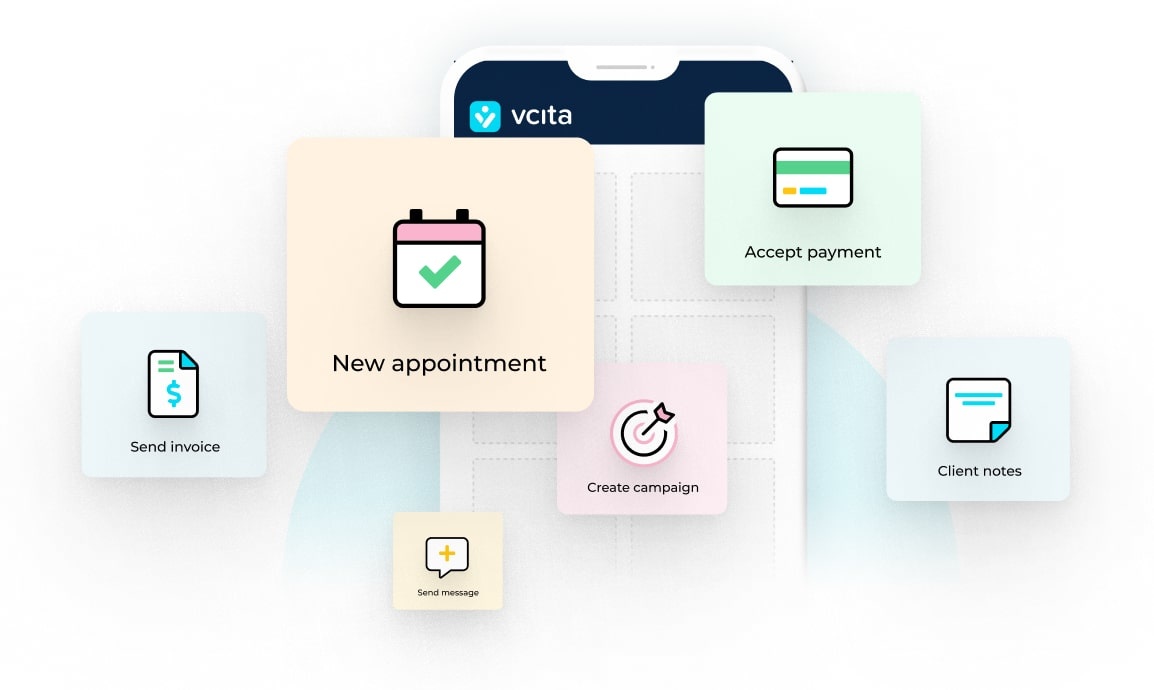
vcita has been developed to help service-based SMBs automate the basic tasks of scheduling, billing, marketing, and communicating with their customers. Adopting vcita’s automated business management hub will save you the hassle of trying to combine multiple applications to get the same functionality.
Start automating your business with vcita
Small business automation – FAQ
- Why should a small or solo business automate?
Even for solopreneurs, doing admin manually consumes several hours of the week. This is where vcita can help you automate booking, payments, and communications with clients so that you do less “busy work.” - What are the easiest tasks that can initially be automated?
Begin with what you already do every day: appointment scheduling, confirmations, reminders, and payments. With the help of the vcita system, you can do these automatically for each new client. - What is the process of automated scheduling using vcita?
You set your availability, services, and rules in vcita, then share a booking link on your website, socials, or emails. Clients book themselves, and vcita sends confirmations and reminders without you lifting a finger. - Do I need several tools for automating my business?
Several apps can be pieced together, but that is often a hassle. vcita integrates scheduling, payments, CRM, and marketing tools, so the data used by your automations is the same. - How do I know if my vcita automations are working?
Look for fewer no-shows, quicker payments, and recurring bookings. The vcita software also provides you with the necessary dashboards and reports that will help you view the effects of the automation on bookings, revenue, and engagement.