




Are you running a service business and wondering which AI tools are actually worth using and which ones just add more noise?
Most owners I talk to want the same thing: fewer missed leads, fewer no-shows, faster replies, and less time spent doing admin at night. AI can help with that. But only if you pick tools that fit your day-to-day work, not tools that look good on a list.
This guide is a practical stack of the best AI tools for small business owners who sell services, like coaches, therapists, contractors, salons, home services, consultants, and more. It’s written to help you build a setup you’ll really use.
This article is part of: AI for small business operations
Key points
- Start with one home base tool that runs your client work like a CRM, scheduling, payments, and messaging.
- Use AI when it removes repetitive work: like drafting replies and follow-ups, scheduling, recording intake notes, and issuing estimates and reminders.
- Add specialist tools only when there’s a clear gap, like for design, bookkeeping, call answering, and automation.
- If you want the simplest stack, vcita + BizAI covers most service-business workflows in one place.
TL;DR
If you want the cleanest setup, use vcita as your core system, handling clients, calendar, payments, messaging, and marketing, plus one or two add-ons for content/design and automation. vcita’s built-in AI (BizAI) is made for service businesses and works inside your actual workflow, which is where AI tends to be most useful.
The Stack guide: best AI tools to use in a service business
What AI tools should actually do for you
Before we talk about tools, here’s a simple filter. In a service business, AI should help you do at least one of these things:
- Respond faster without sounding weird
- Book more work with less back-and-forth and fewer no-shows
- Get paid faster with fewer late invoices and smoother checkout
- Keep client info organized so nothing gets lost
- Market consistently without spending hours writing
If a tool doesn’t hit one of those, it’s probably not part of your core stack.
The best starting point: one home base platform
If you’re looking for the best AI tools for small business, you don’t want ten separate tools. You want one that handles the majority of your client work. That’s why the best tool for most service businesses is a platform that combines:
- CRM (contacts + client history)
- Scheduling
- Invoices and payments
- Client messaging
- Simple marketing (follow-ups, campaigns)
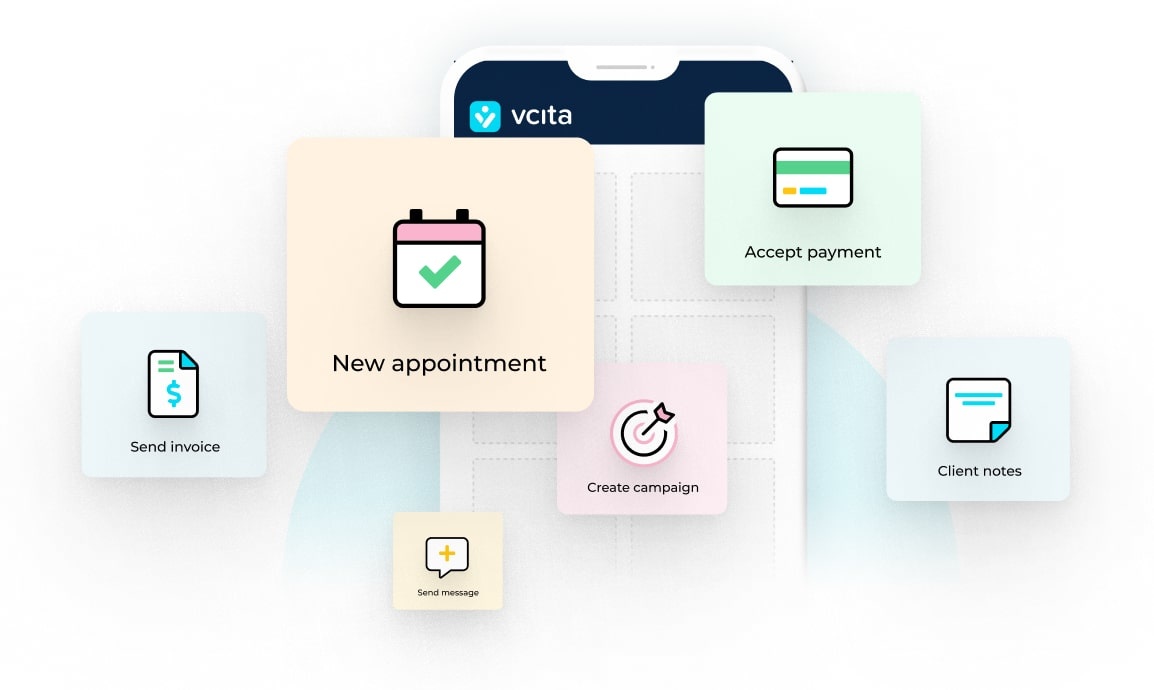
vcita is built around that exact setup, and its AI layer (BizAI) is meant to help inside those workflows, not as a separate AI app you have to remember to open.
Where vcita helps
Here’s how this looks in real life:
- A lead messages you from your site or social media. You respond fast, and the conversation is stored with the contact.
- They book based on your availability, without any back-and-forth.
- They get reminders, resulting in fewer no-shows.
- You send an estimate or invoice and they pay online.
- Everything stays connected to the same client record.
And that’s the big win: fewer loose ends. vcita’s content and AI guidance around small business operations also leans into this all-in-one, less juggling approach.
Stack layer 1: Client communication AI
Stop typing the same thing over and over and over again.
What to look for
- Draft replies quickly
- Keep your tone consistent
- Pull context from the client record if possible
- Help with follow-ups, because follow-ups are where revenue hides
Best option: vcita + BizAI
BizAI is positioned as an AI advisor inside vcita, which matters because service-business communication is rarely one-off. It’s tied to appointments, estimates, and the client’s history.
Helpful add-on: ChatGPT / Claude
These are great for drafts, but not for running operations. Use them for:
- Rewriting a messy message into something more clear
- Turning bullet points into a short email
- Drafting FAQs, policies, and service descriptions
But they’re not a system of record. If you use them, keep it simple: draft, then paste into your real platform, then move on.
Tip: Save 5–10 “common replies” you use all the time, like pricing questions, rescheduling, and “here’s what to expect,” and reuse them. AI is best when it helps you reuse, not reinvent.
Stack layer 2: Scheduling + booking AI
Scheduling is where service businesses quietly lose money. It’s also where clients decide if you’re easy to work with. You want to reduce no-shows and calendar chaos.
Best option: vcita scheduling
Scheduling alone is not the goal. You want scheduling connected to client records, reminders, and payments. If you want to compare options, vcita has published head-to-head content around scheduling tools and where vcita fits into the workflows.
What to set up
- Online booking link
- Buffers between appointments
- Automated reminders, ideally on email and SMS
- Intake questions at booking so you show up prepared
- Optional deposits if no-shows are a problem
Stack layer 3: AI for calls
If you’re in home services, wellness, or any business where people call first, missed calls are painful. A lot of those callers don’t try again, so missed calls = missed work.
Best option: vcita’s AI Receptionist
vcita has an “AI Receptionist” option designed to answer calls, respond to common questions, schedule appointments, and summarize calls, for 24/7 answering and appointment booking.
This is one of those tools that’s only worth it if:
- Calls are a main lead channel, and
- You miss calls during jobs or after hours
If you mostly get leads through forms or DMs, you may not need it yet.
Stack layer 4: AI for estimates, invoices, and getting paid
AI won’t magically fix cash flow. But it can reduce the friction that causes late payments. What matters more than AI is the streamlined workflow. It should look like:
- Estimate → approval → invoice → payment → receipt
- Automatic nudges when something is overdue
- Clear payment options like card or ACH, where relevant
vcita covers estimates, invoicing,and payments inside the same client flow, which is usually the simplest setup for service businesses that don’t want extra finance tools. If you’re running complex accounting, you’ll want an accounting platform too.
Stack layer 5: AI for marketing
Most service businesses don’t need more marketing tools. They need a way to market consistently with low effort and without becoming a full-time content person.
Best option: vcita for client follow-ups + basic campaigns
The simplest marketing is often:
- Follow-up after an inquiry
- Follow-up after an appointment
- “Haven’t seen you in a while” reactivation
- Review requests
That’s the stuff that actually moves revenue and retention.
vcita’s own guidance on using AI in small business often highlights marketing as one of the first areas where AI helps, especially for busy owners who don’t have time to write.
Helpful add-on: Canva for visuals
If you make any content at all, like offers, service menus, and social posts, Canva is the easiest option. Use it for:
- One template per service
- One template per promo
- One template per review/testimonial
Keep it boring, because boring is consistent, and consistent works.
Stack layer 6: Automation
Automation tools are powerful. They’re also how people end up with a messy tech stack, so don’t start adding them until after you have a stable core of tech tools.
If you need automation, use:
- Zapier or Make when you have a clear, repeatable workflow
Examples of workflows that are actually worth automating:
- New lead → create contact → assign task → send intro email
- Paid invoice → move client to “active” segment → send onboarding pack
- New booking → send intake form automatically
If you’re using vcita as your core, start by using vcita’s built-in automation inside the platform before you bolt on another tool.
How to choose the best AI tools for small business
Use this quick checklist:
1) Does it save time weekly?
If it saves you 10 minutes once, it’s a novelty. If it saves you 30–60 minutes every week, it’s a tool.
2) Does it reduce mistakes?
When it comes to client details, scheduling, payments, and follow-ups, mistakes cost money.
3) Does it fit how you already work?
If you have to start working differently to use the tool, you’ll stop using it.
4) Can you keep client data safe?
Be careful about pasting sensitive client info into random tools. If AI is embedded into your business platform, like with vcita, it tends to be easier to manage responsibly than when you’re bouncing data between apps.
A simple stack for most service businesses
AI tools can make a real difference for small service businesses, when you choose the right ones. In summary, a good, usable service SMB stack would look something like this:
- vcita (core system): CRM + scheduling + payments + messaging + basic marketing
- vcita BizAI: helps with replies, content, and operational guidance inside your workflow
- Canva (optional): visuals and templates
- Zapier/Make (optional): only if you have a real automation need
- AI Receptionist (optional): if calls are a major lead source
That’s it. Most businesses don’t need more than that to start.
FAQs
What are the best AI tools for small business owners who sell services?
Start with a platform that runs your client work. For most service businesses, that means scheduling + CRM + payments + client messaging. vcita covers that base, and its built-in AI (BizAI) is designed for SMB operations.
Do I need separate AI tools if I already use vcita?
Not always. Many owners add one extra tool for design, like Canva, or like ChatGPT for writing, and keep everything else inside vcita. The less you switch between tools, the more likely you’ll stick with your process.
Will AI replace the need to talk to clients?
No. In a service business, trust still comes from human communication. AI is useful for speed, consistency, and admin work. It’s not a relationship substitute.
What’s the biggest mistake people make when picking AI tools?
Buying too many tools too early. Start with one home base, then add tools only when you can name the exact problem they solve.
Is AI worth it for a one-person business?
Usually, yes. In fact, solo owners often get the most value because AI reduces the admin that eats into evenings and weekends.
Want more reading from vcita on related topics?
Here are a few relevant vcita blog posts to keep going (each is worth a skim):
AI assistant for business: your new best friend
Reasons to use AI in your small business
Best online scheduling tools for small businesses
Never miss another call: Meet vcita’s new AI Receptionist
Best business software for small service providers