




Do you ever feel as if you’re trying to keep customer information consistent across ten different places, but something’s always falling through the cracks? That’s exactly what customer relationship management (CRM) software is designed to address.
A good CRM brings all your contacts, conversations, bookings, and follow-ups into one place. The best CRM tools can also assist you to get paid faster, stay on top of tasks, and put Artificial Intelligence to work to do some of the ‘thinking’ for you.
In this tutorial, we’ll take you through what we think are the most effective customer relationship management solutions available now, led by vcita’s one-stop, AI-driven CRM solution for a small service-based company.
Key points
- CRM systems assist you to manage your customers, communicate, and send follow-ups.
- Small businesses must seek solutions that boost efficiency and aren’t just merely feature rich.
- vcita is designed for small service-based businesses. It integrates CRM, scheduling, payments, marketing, and AI.
- If you have more complex sales processes, you can opt for general CRMs or HubSpot, Salesforce, or even Zoho.
- Carefully select a tool after identifying your most pressing problem, like messy client data, missed follow-ups, slow payments, or something else.
What are customer relationship management tools?
CRM (Customer Relationship Management) is a tool that assists you to:
- Store and organize client data and history
- Track emails, calls, messages, and meetings
- Remember follow-ups and tasks
- See your pipeline or bookings at a glance
For a small business, the best CRM solution is not necessarily the one that offers the most functionality. It’s the one that:
- Fits your size and skills
- Matches your actual working practices
- Doesn’t take weeks to set up
- Works well with your existing tools
How to choose a CRM (without overthinking it)
Think about these three questions before you consider our list of best CRMs:
- What’s my main problem?
- Lost leads
- Missed appointments
- Late payments
- No clear view of clients
- How much time can I invest in learning a new tool?
- Not much, I need something that works out of the box
- Reasonable, I can take a steeper learning curve
- Do I need “all-in-one” or “sales-only”?
- All-in-one tools (like vcita) combine CRM with scheduling, payments, and marketing.
- Sales-only tools focus on pipelines, deals, and forecasting.
Keep your answers in mind as you read. It makes it much easier to spot the right fit.
The best customer relationship management tools
1. vcita – Best all-in-one CRM for small service businesses (with AI)
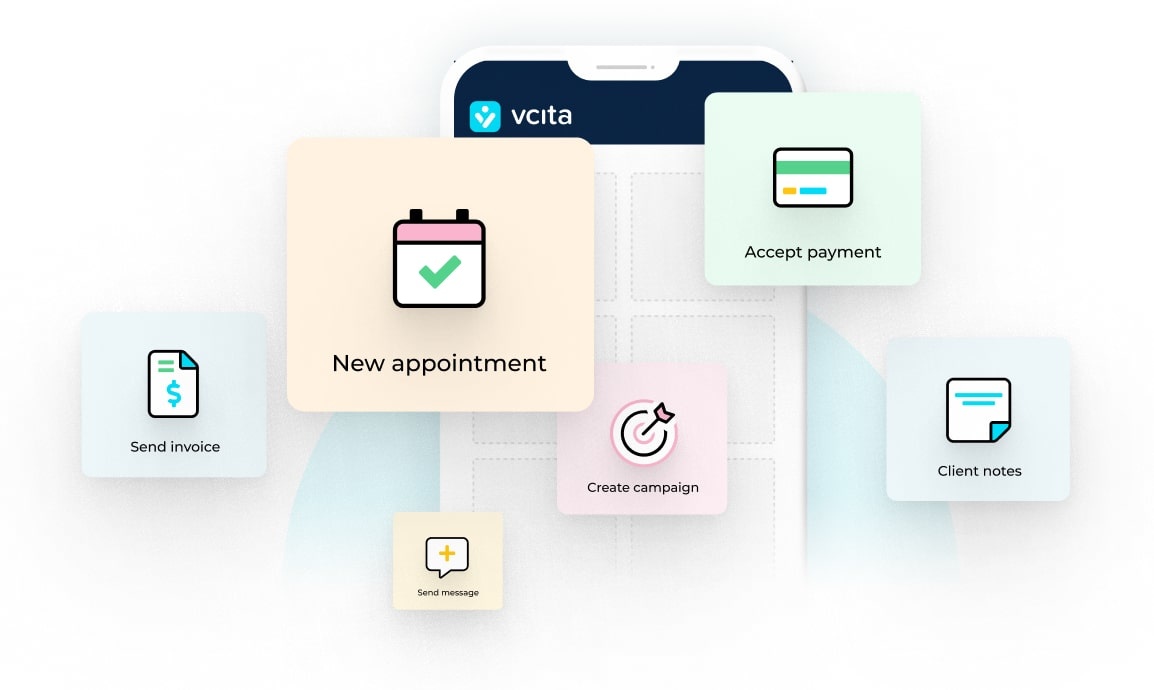
If you’re a solo service provider or a small team that lives on bookings, client work, and repeat business, vcita is built for you. Instead of bolting a CRM onto a bunch of other apps, vcita is your central hub for:
- Client management (CRM)
- Client cards with full history: notes, emails, SMS, documents, invoices, and past appointments all in one place.
- Segments and tags so you can group clients by type, status, or activity.
- Online scheduling & booking
- Clients can book and reschedule on their own through your website, social channels, or a client portal.
- Automated reminders by email and SMS reduce no-shows.
- Payments, invoices, and billing
- Send digital invoices and payment links.
- Take payments online, sell packages, and track balances in one place.
- Marketing and follow-ups
- Email and SMS campaigns to nurture past clients.
- Automations to send welcome messages, reminders, and thank-you notes.
- AI features (BizAI and more)
- BizAI, vcita’s AI business advisor, suggests actions based on your client activity, like who to follow up with or which clients may need a reminder.
- AI-powered content suggestions for emails, messages, and service descriptions give you a first draft.
- AI-powered scheduling helps optimize your calendar and fill open slots.
In simple terms: you don’t just get a place to store client details. You get a tool that helps you run daily business tasks like appointments, payments, communication, and follow-ups, backed by AI that guides you along the way.
Best for:
- Coaches and consultants
- Beauty and wellness pros
- Fitness trainers
- Home services
- Small agencies and freelancers
When vcita may not be ideal:
If you’re a larger company with multiple sales teams, complex pipelines, or heavy custom reporting needs, you might be more comfortable with tools like Salesforce or HubSpot that are designed around bigger internal processes.
2. HubSpot CRM – Best free starter CRM
HubSpot CRM is often the first stop for businesses that want a no-cost entry into CRM.
What stands out:
- Strong free plan with basic CRM, email tracking, and deal pipelines.
- Good integrations and an app marketplace.
- Easy for teams that already use HubSpot’s marketing tools.
It’s a solid choice if you want to test a CRM without paying upfront. Just be aware that advanced features (and scaling up) can get expensive over time.
Best for: small to mid-size businesses that plan to grow into a bigger sales and marketing stack later.
3. Salesforce Sales Cloud – Best for complex, growing organizations
Salesforce is the classic “big” CRM. It’s powerful, flexible, and highly customizable.
What stands out:
- Deep customization and automation options.
- Strong reporting, forecasting, and role-based access.
- Large ecosystem of apps and consulting partners.
For small service businesses, it’s usually more than you need. But if you’re scaling fast, have multiple departments, and want one system across sales, support, and management, Salesforce is worth a look.
Best for: mid-size to large companies with complex processes and a budget for setup and training.
4. Zoho CRM – Best budget-friendly all-rounder
Zoho CRM offers a wide range of features at very competitive pricing.
What stands out:
- Deal pipelines, email marketing, and basic automation in one system.
- Integrates with other Zoho tools (e.g. Zoho Campaigns and Zoho Invoice).
- Free plan for small teams.
It’s a strong option if you want flexibility and lower costs, and don’t mind spending some time setting things up.
Best for: small to mid-size teams who are OK tweaking and configuring their own system.
5. Freshsales (Freshworks) – Best for value and quick setup
Freshsales, part of the Freshworks suite, is known for being easy to set up and budget-friendly.
What stands out:
- Clean interface with built-in phone, email, and chat.
- AI features (Freddy AI) for lead scoring and forecasting on higher plans.
- Strong free and lower-tier plans that work well for smaller teams.
If you care about speed and simplicity more than deep customization, Freshsales is a good fit.
Best for: growing businesses that want a modern, easy sales CRM without a huge budget.
6. Pipedrive – Best for simple, visual sales pipelines
Pipedrive is built around the deal pipeline. You move deals through stages with drag-and-drop boards, which makes it very intuitive.
What stands out:
- Very visual and simple to grasp.
- Good for keeping sales reps focused on “what’s next.”
- Integrates with email and some marketing tools.
But it doesn’t include built-in scheduling, invoicing, or full business management, so service-based businesses often need extra tools for the rest of their workflow.
Best for: small sales teams that only need pipeline tracking and basic CRM.
7. Lightweight CRMs – Best for relationship-focused professionals
Tools like Nimble, Capsule, or NetHunt focus on simple contact management and relationship tracking rather than heavy sales machinery. They often sit inside your inbox or browser and help you:
- Keep notes on contacts
- Track interactions
- Remember follow-ups
They can be enough if you don’t need complex pipelines or payment workflows.
Best for: solopreneurs and consultants who mainly want better contact tracking.
So… which CRM is “best”?
There’s no one answer for everyone. But we can narrow it down:
- If you’re a small service business and want one tool for clients, scheduling, payments, and marketing, with AI support, vcita is the strongest fit on this list.
- If you’re a growing sales team, tools like HubSpot, Zoho CRM, or Freshsales give you a good balance of features and price.
- If you’re a larger or more complex organization, Salesforce is still one of the most complete (though heavier) options.
Try to think less in terms of “best overall” and more in terms of best for how you work.
FAQs
1. What is a CRM tool, in simple terms?
A CRM tool is a system where you keep all your client info, communication, and tasks in one place. Instead of digging through email threads, notes, and spreadsheets, you see everything for each client on a single screen.
2. Do small businesses really need a CRM?
You can get by without one for a while. But once you hit a certain number of clients, it becomes easy to forget things:
- You miss follow-ups.
- You lose track of who owes you money.
- You repeat the same questions to clients.
A simple CRM can prevent that and save a lot of time. For many small businesses, it’s less about “growth hacking” and more about not dropping the ball.
3. Which CRM is best for small service businesses?
If you own a service-based business that relies on appointments, invoices, and repeat customers, then you can’t go wrong with vcita:
- It deals with customer files, bookings, and payments, as well as marketing.
- It offers AI capabilities such as BizAI to assist you in prioritizing tasks and writing content.
That means fewer logins, fewer spreadsheets, and a clearer picture of your day.
4. Which CRM functions matter most to me?
Most small businesses need:
- Client profiles and history – Can you see everything in one place?
- Reminders & follow-ups – Does this help you remember what to do next?
- Scheduling and payments – Are appointments easy to book and pay for?
- Ease of use – How well do you understand this without a manual?
- AI & automation – Can it help you with repetitive tasks such as content?
If you can nail those, you’re good to go.
5. How much should I expect to pay for a CRM?
Prices vary a lot:
- Some tools have free plans (HubSpot, Zoho, Freshsales).
- Many small business CRMs start around $15–$40 per user per month.
The real question is: does it save you more time (and bring more revenue) than it costs?
If a CRM helps you keep even a few clients from slipping away each month, it usually pays for itself.