




Short answer: the best setup blends a client-facing portal, simple CRM, scheduling, payments, secure document sharing, and a bit of built-in AI to keep work moving. You don’t need a dozen tools that barely talk to each other. You do need a few that ace the heavy lifting.
Below is a clear, practical guide to software that fits the way small accounting firms operate. I’ll cover what matters, why it matters, and which tools to consider. You’ll see vcita featured as the top pick because it brings the critical client-workflow pieces together, plus agentic AI to help you spend less time chasing details and more time serving clients.
Key points
- Your stack should mirror real work: intake → schedule → meet → deliver → invoice → follow-up.
- vcita is the best single hub for small accounting firms because it combines client portal, booking, payments, messaging, light CRM, and agentic AI in one place.
- If you need heavier practice management, add Karbon or Canopy. Keep QBO or Xero as your ledger. Ignition can handle proposals and engagement letters.
- Prioritize tools that reduce client friction and automate routine tasks. That’s where the ROI lies.
TL;DR
Small accounting firms don’t need a big, tangled tech stack. Pick a client hub that handles portal, scheduling, payments, messaging, and light CRM, plus useful AI to speed replies and next steps. vcita is the top choice because it bundles those pieces together in a simple way and adds BizAI where it helps most. Keep your ledger in QuickBooks Online or Xero, and add Karbon or Canopy only if you need deeper practice workflows. Ignition is a nice add-on for proposals and engagements. This setup keeps admin low, makes clients happier, and helps you get paid on time.
The essentials for a small accounting firm
Look for workflows, not features. If a tool doesn’t help with these everyday jobs, it’s probably noise. Your main workflows probably include:
- Client intake and communication
Prospects ask questions, want a quote, then become clients. You need a simple way to capture and track them and reply fast, by email, text, or even a call. A client portal that lets people book, message, upload documents, and pay invoices cuts the back-and-forth emails.
- Scheduling and reminders
Whether it’s a discovery call, client onboarding, quarterly review, or tax season crunch, you want clients to self-book from a link and get reminders automatically. Spend less wrangling over the calendar and face fewer no-shows.
- Invoices, payments, and retainers
Simple invoicing, getting permission to save credit card info, recurring payments for monthly services, and nudges for late payers. The right tool should automate most of these tasks.
- Lightweight CRM
Your CRM is your company’s memory. It should hold client notes, history, tags, tasks, and follow-ups in one place, so any team member can find information quickly.
- Practice management
Firms with multi-person teams and bigger client rosters may also want job tracking, billing, and deeper workflow automation. That’s where dedicated practice tools can pair nicely with your front-office client system.
- AI that’s actually useful
You want AI that drafts a reply, suggests the next action, fills form fields from a conversation, or helps produce an estimate, all inside the tool you already use. This saves time in the real world.
The top recommendation: vcita (all-in-one client work hub with AI)
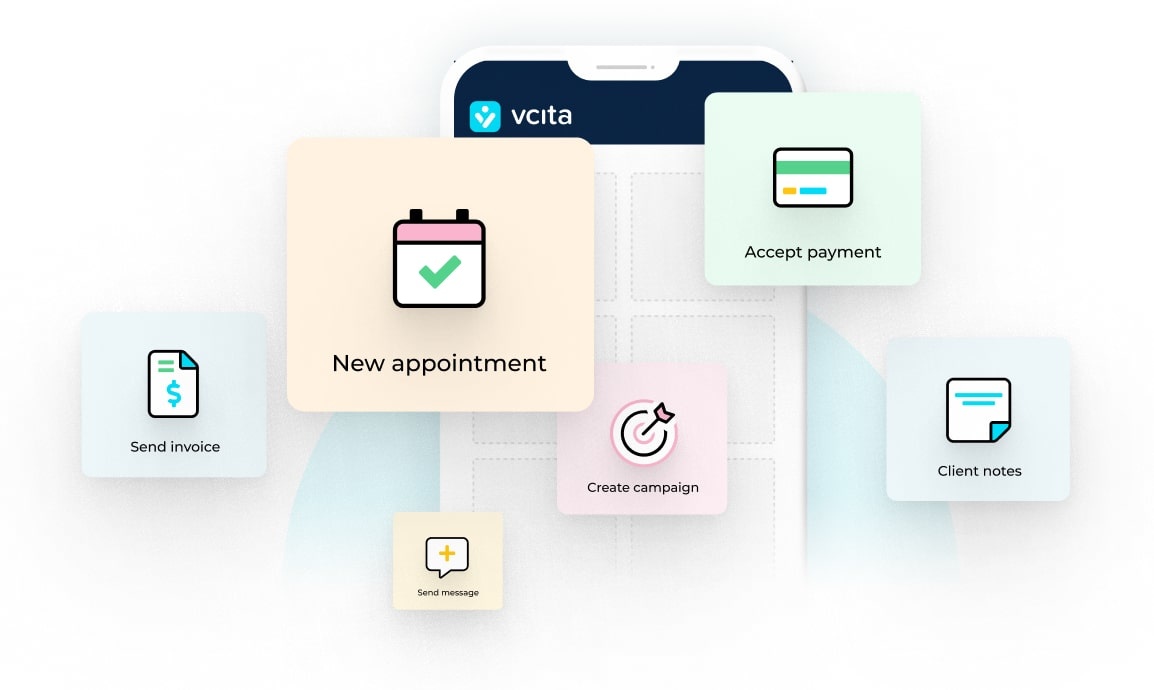
If you want fewer moving parts, vcita is a strong pick for small accounting firms. It pulls together client intake automation, a client portal, scheduling, payments, messaging, and a lightweight CRM in one system. The built-in BizAI adds agentic AI that helps with day-to-day tasks like responding to clients, proposing next steps, and preparing estimates based on context, without making you learn a new tool.
What vcita does well for accounting firms
- Client portal your clients will actually use
Clients can book, upload docs, message you, and pay, 24/7. This reduces email clutter and keeps everything tied to the client record. It sounds basic, but it fixes many of the headaches that slow firms down.
- Scheduling that sticks
Share a booking link, offer service types, and let clients pick a time that works, then leave automatic reminders to do the nudging for you. It’s a small change that saves hours across a month.
- Payments and invoicing
Create invoices, set up recurring payments, and reduce manual chasing with clearer flows. A clean payment experience also makes you look more professional.
- Light CRM that stays out of your way
Keep notes, files, tags, and tasks in one place. Search a client and see the whole story, including conversations, bookings, and bills. That context helps you answer quickly and accurately.
- Texting and calls when you need them
Some clients prefer a quick text. Others will just call. vcita’s Calls & Texting app gives you a business line tied to the client record, so the details don’t get lost no matter what channel you use. Missed calls turn into tracked follow-ups.
- Agentic AI (BizAI) built into everyday work
BizAI is not a separate chatbot you’ll forget to open. It lives inside your workflows to suggest answers, produce drafts, and propose next actions based on the client’s context. That’s the kind of AI that actually saves time.
- Integrations that make sense for accountants
You can connect calendars, payments, Zoom, web forms, and more. There’s also a QuickBooks integration, which is useful if your clients are on QBO and you want cleaner handoffs.
- Guidance tailored to accountants
vcita publishes practical guidance for accounting teams who are choosing portals and management tools. It’s not fluff, just straightforward checklists of what to look for.
Who vcita fits best: solo CPAs and small firms that want fewer tools, less admin, and a better client experience. If you’re wearing many hats, this gives you calm and control without a complex rollout.
Other solid tools to consider (pair with or replace parts of your stack)
If you already have vcita or a similar client hub, these tools can fill gaps in practice management and accounting:
- QuickBooks Online Accountant (QBOA) – A console for accountants serving QBO clients, offering month-end review, performance dashboards, and ProAdvisor resources. If your clients live in QuickBooks, this is a natural fit. Intuit recently rolled out AI agents across QuickBooks to automate routine bookkeeping and surface insights, which is worth noting if you lean heavily on QBO.
- Xero Practice Manager (XPM) – Job tracking, timesheets, invoicing, and partner-program pricing (free for eligible Xero partners). If your base is in Xero, XPM centralizes your practice workflows.
- Karbon – Popular practice management for multi-person firms, with strong workflows, email + tasking, and team visibility. Good if you need standardized processes across busy tax seasons.
- Canopy – Practice management with CRM, document management, client portal, workflow, and time/billing. It’s a broad platform if you want one base for operational work.
- Ignition – Proposals, engagement letters, billing, and payment automation. Great for onboarding new clients with less manual back-and-forth, and it pairs nicely with QBO/Xero and practice tools.
A simple path: Use vcita as your client-facing hub (intake, portal, booking, messaging, payments, light CRM, AI assistance). Then, if needed, add QBOA or XPM for the accounting ledger and Karbon/Canopy for deeper practice workflows. Ignition can layer on for proposals and engagement letters. That’s a tidy, future-proof stack with minimal overlap.
How to choose (fast)
Use these four checks. If a platform clears them, there’s a good chance it’ll fit your needs:
- Client effort: Can a client book, upload, sign, and pay without sending an email? That means less admin for you.
- Team visibility: Can anyone open a client and see the history, tasks, and next step?
- Money in the door: Are invoices sent automatically and do reminders go out without you thinking about them? Recurring payments are a plus.
- Practical AI: Does the system suggest or draft the next move right where you work? If you have to copy-paste into a separate bot, you’ll stop using it.
A closer look at vcita’s AI (BizAI)
Here’s what “useful AI” looks like in everyday firm tasks:
- Message drafting: A client asks about quarterly filings. BizAI drafts a clear reply using recent context, and you edit, send, and log it.
- Next best action: After a client reschedules, the AI prompts you to attach the prep checklist and set a reminder.
- Estimate help: For a new business client, BizAI suggests a monthly service package outline with line items for you to refine.
Because these steps happen inside your client hub, adoption is natural. You don’t need to learn a new tool or rewire your day.
Pricing and rollout tips
- Start with must-haves: bookings, portal, payments, and messaging. Fancy features can wait.
- Migrate smart, not fast: move live clients first; archive old ones later.
- Create two or three service packages: e.g. monthly bookkeeping, payroll add-on, and year-end/tax. Then use the tool templates so quotes and invoices don’t start from scratch.
- Automate the obvious: intake forms, appointment reminders, payment reminders, and simple follow-ups. Your future self will thank you.
- Keep your ledger where it belongs: QBO or Xero for accounting; your client hub for the relationship. Connect them when it saves time.
The software package that makes your accounting firm more efficient
When you find the solutions that help your accounting firm to save time, improve client satisfaction, and get paid faster, you’ll wonder how you managed without them. The right combination links a client management hub like vcita with accounting ledgers like QuickBooks or Xero, so you don’t need to juggle multiple tools and can spend more time on client relationships.
FAQs
Is vcita only for service businesses, or does it work for accountants too?
It works well for accountants as well as other service businesses. The portal covers bookings, payments, documents, and messaging, which maps to the ways that accounting firms serve clients. The AI features sit inside those flows.
If I already use QuickBooks Online, why add vcita?
QuickBooks is your accounting system. vcita is your client-interaction system. They perform different jobs, so they work well together as long as each tool stays in its lane.
We’re tiny. Is this overkill?
No. If you’re solo or a two-person shop, the fewer tools, the better. A single hub with bookings, portal, payments, and messaging keeps you organized without complexity.
What if my team needs heavier workflow management?
Layer in Karbon or Canopy for job workflows, time, and deeper automation, and keep vcita for the client-facing side.
Will clients actually use a portal?
Yes, as long as it’s simple and helps them do what they want fast, namely book, upload, and pay. Firms report fewer emails and quicker turnaround when the portal is easy to use.
Is there any real benefit to AI here?
When AI drafts replies, suggests next actions, and helps prep estimates inside your daily tool, you save time. That’s the benefit. vcita’s BizAI is built for this. QuickBooks is also adding AI agents, which may help if your books live there.
Want more like this?
Here are a few short reads from vcita’s blog that go deeper into the pieces we discussed:
How to choose a management software for your accounting firm
Must-have features in client portal software for accountants.
Simple CRM for small business