




You’re running a small business and wondering if you really need a CRM, or if any type of software would be more than you need. The average micro-business manages with a combination of email, WhatsApp, Excel, a calendar app, and possibly some payment links. It all sort of works, until it doesn’t, because you forget to follow up, double-book yourself, or invoice late and receive payment even later.
That’s why you need a CRM, as long as it’s a CRM that’s designed with micro-businesses in mind. We’re talking about a lightweight tool that would keep all systems running regarding clients, bookings, payments, and follow-up reminders, without dragging you down. A basic CRM doesn’t just organize business contacts but relieves some burden from your hands, something like vcita.
Key points
- Micro-businesses do not require a big business CRM. They just need one place for all their clients, bookings, payments, and follow-up activities.
- The email and spreadsheet system falls apart when you grow beyond a couple clients.
- A free sales CRM would be adequate for follow-up notifications but would disregard scheduling and services.
- Sector-specific tools may be useful, but the scattered data can be chaotic.
- An all-in-one CRM solution developed for small service-oriented enterprises would be ideal for micro enterprises.
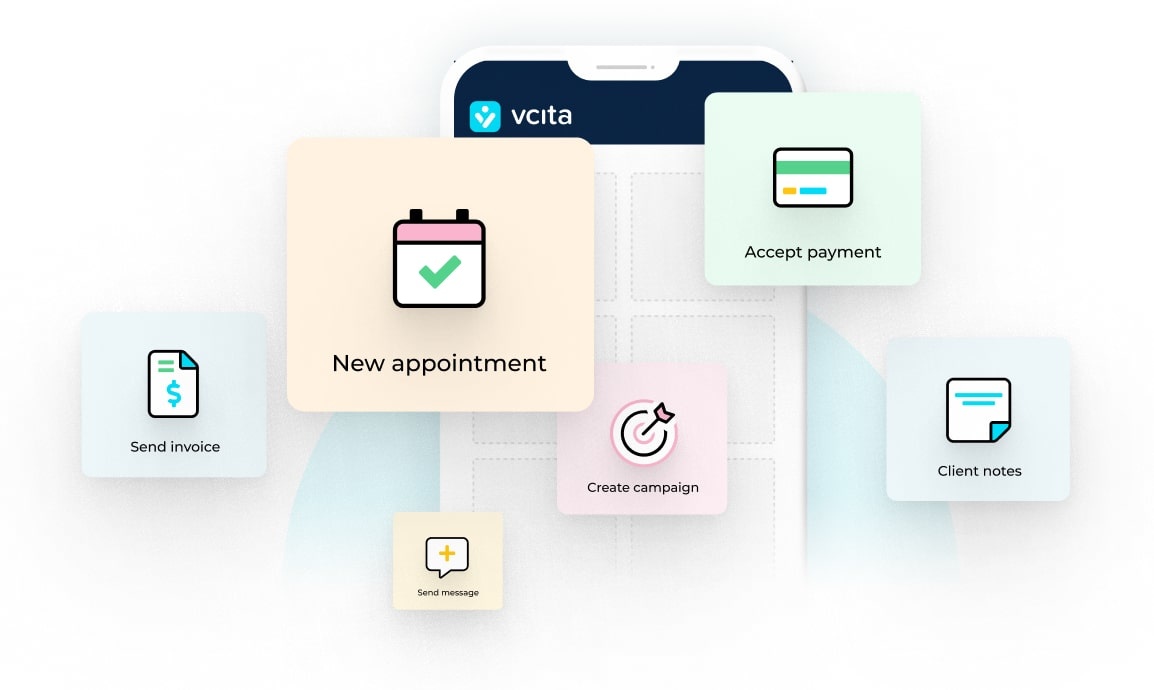
- vcita provides just that: all-in-one CRM solutions, scheduling tools, billing and payment options, client communication services, and basic marketing tools.
- vcita’s BizAI brings AI functionality ranging from composing responses to suggesting actions to auto-completing business form data from conversations.
- You can operate most of your business from your phone, which is very important if you’re always on the move.
What exactly would a micro business require from their CRM?
To discuss tools effectively, it’s necessary to first define what exactly one needs. Micro service business owners like a coach, consultant, hair stylist, fitness business, or home services provider need the following functionalities:
- One location that stores all client information
- Clear tracking that shows who’s booked, who’s wait-listed, and whom you have yet to reply to
- Assistance creating invoices and accepting payments
- Automated client reminders about appointments and payments
- Lead follow-up while leads are still warm
- User-friendly, intuitive interface that won’t make you too scared to use it
- High-performing mobile app
A cloud CRM that organizes clients, scheduling, and follow-up would save you hours of admin work, and let you serve clients rather than trying to chase them.
Now let’s go over your major micro-business admin options.
Typical CRM solutions for micro enterprises
1. “No CRM” – just email, spreadsheets, and your brain
This is where most folks begin.
You have:
- A contacts list in your phone
- Customer information in email threads
- A spreadsheet for invoices
- A calendar application for bookings
Pros
- Cost (in money) is low
- No setup time
- You already know how it works
Cons
- It’s hard to see each client’s full history
- Leads fall between the cracks
- It’s not clear who you need to follow up with today
- No reminder/automation features
If you’ve got fewer than clients and you’re not expanding quickly, this may be about all you need. But if you find yourself reaching “Did I answer her?” panic levels, it’s time to look for an alternative.
2. Open Source CRMs
These tools usually have applications which were developed for sales teams, sometimes with a free tier. They’re well-suited to monitoring deals and sales pipelines, particularly for business-to-business sales.
Pros
- Good deal pipeline views
- Often integrate with email
- Free or low-cost packages
Cons
- More concerned with sales teams than service delivery
- Don’t always deal with bookings and payments
- May be more cumbersome than you need
They’ll work if you’re just trying to keep track of leads and deals, but you’ll need to add on other tools to manage sessions, meetings, and payments, and that causes context-switching headaches.
3. Sector-specific Apps
These are apps designed to deal with just one type of task, such as invoicing or scheduling. For example:
- One app for online appointment scheduling
- Another for invoicing
- Additional apps for email campaigns
Pros
- Every app performs its task perfectly
- Some are very simple and user-friendly
Cons
- Data about your clients is scattered across multiple apps
- You’re constantly swapping platforms from one task to the next
Salons, trainers, and therapists often end up with this kind of business system. It gives you all the tools you need, but it’s not streamlined or efficient.
4. Big “all-in-one” CRMs for large enterprises
Big-name CRMs with all the bells and whistles, including lots of functionalities, modules, and dashboards.
Pros
- Extremely strong
- Endless Customization
Cons
- More complex for sole owners
- Requires quite a lot of setup
- You’ll pay for features you’ll never use
If you just have a small team, you might find that this kind of system is overwhelming. You may even end up avoiding using it because it’s just too much.
5. All-in-one CRM solutions for small service enterprises
This is the kind of system that vcita offers. vcita is an AI-powered CRM developed specifically for small service enterprises and micro-businesses. The solution combines client management, scheduling, communications, and payments in one single place, with a user-friendly interface that’s quick to get started.
Rather than plugging a CRM into your current mess, you receive one central hub for:
- Viewing client history, with all interactions in one place
- Handling bookings and payments
- Sending messages, notes, emails, and reminders
vcita hits the sweet spot for most micro-businesses.
Why vcita is the best CRM solution for micro-businesses
If you’re looking for something that will actually work for your business, vcita stands out from the rest. It provides these real-life, usable benefits:
- A clean and intuitive client portal
vcita’s CRM allows all client data, notes, files, schedule entries, and payment records to be stored together. When a client calls and/or texts, you can easily remind yourself:
- When you last spoke
- The agreement reached
- What you charged
- What’s still unpaid
- Any notes from past sessions
You don’t have to have five things open in order to follow what’s happening.
- Internet scheduling capabilities
In service-related business, half the battle is won by just making bookings. vcita allows clients to schedule their appointment online via a client portal, a booking widget on your website, or a link sent through email or SMS, then automatically updates your calendar. Which means:
- Less time wasted on back-and-forths trying to schedule a convenient time
- Fewer misunderstandings
- Fewer double-bookings and missed appointments
- A clear understanding of your desktop and mobile environment
- Invoicing and payments in the same place
You can email estimates and invoices from within vcita. Payments will be tracked automatically from clients; no need to use a spreadsheet. For micro-businesses, cash flow matters. When payments are associated with your CRM system, it eliminates chasing payments and errors, so you can:
- Stop wondering if you sent the invoice already
- Quickly track late payments
- Automate follow-up reminders
- Basic marketing & follow-ups
vcita lets you send basic marketing email campaigns and reminders, so you can:
- Follow up with leads who have never booked
- Re-engage past clients
- Send notifications or deals to your client list
And because it’s all based on your CRM data, you do not have to import/sync your contacts. It just makes it easier to keep in touch so folks won’t forget that you’re out there.
- Grows with you, doesn’t turn into a monster
You can keep it simple and just use vcita for CRM and scheduling, or you can add other features as your business expands to vcita, like:
- More complex automations
- Additional marketing tools
- Team members
The reason it’s such a great small business CRM solution is that it’s cloud-based and will scale to meet your business needs. If you have a micro business and you’re sick of switching between apps and tabs, then something like vcita would be the simplest step forward.
Even micro-businesses benefit from a CRM
Your business will be ready for a CRM sooner than you think. Once your client base grows bigger than a handful of people and/or you can’t keep track of everything in your head, your email list, and your calendar, you’ll benefit from a CRM. As long as you choose a CRM like vcita, which is designed for small and micro businesses, you’ll gain efficiency without losing control.
FAQs: CRM solutions for micro-businesses
1. Do I need CRM if I am just serving several clients?
Maybe not yet. If you have fewer than 10 clients and aren’t expanding anyway, then email, your calendar, and a basic spreadsheet will suffice. However, once it becomes difficult to keep up with replies or you find yourself juggling bookings and payments, a CRM like vcita helps.
2. How much should a micro business invest in their CRM?
Rather than focusing on “software cost,” it should be focused on “time values.” If your CRM of choice helps to save 2-3 hours of time each month and retain one additional paying client, it definitely justifies its costs. The pricing of vcita allows small business owners to start with what they require and scale upwards.
3. I am not very technical. Will implementing vcita be difficult?
You;ll need a little time to organize everything: services, hours of availability, templates, and payment methods. But vcita is made for small business owners, not IT specialists. The platform gives you clear directions to get started.
4. Will the AI in vcita displace how I communicate with clients?
No. You hold control. vcita’s AI suggests responses based on what it’s seen in your recent conversations. It’ll suggest what to do next and even complete form data and basic content, but you always read and send them. It’s to make it easier for you to go faster, not to control your conversations.
5. I would like to start small and then add features to vcita.
Yes. You can start just by using it as a CRM and scheduling system, and then expand it to payments and other features as things scale. It’s made to scale with your business instead of dropping too much functionality on your head from the start.