




Have you ever looked at your own website and thought, “Would I even understand what this service is?” If so, you’re not alone. Most successful business people create a description of a service that makes perfect sense to them, but visitors tend to see the message, say “Huh?” and click ‘close tab.’
The good news: you don’t need fancy copywriting skills to fix this. You just need to answer a few simple questions the way your clients would ask them. And if you use a tool like vcita, with its built-in BizAI, you can turn those answers into clear, friendly service descriptions much faster.
Let’s walk through it step by step.
Key points
- Weak service descriptions talk about the business, not the client.
- Strong descriptions tell who it is for, what you do, what they get, and what happens next.
- Be straightforward. Think about describing it to a buddy, not a group of experts.
- Communicate results, not just functions, using phrases like “you get.”
- You can reduce fear by describing what the process is like and what to expect.
- Always provide a definite next step (e.g. “Book a call”, “Request an appointment”).
- vcita, with BizAI, helps you effectively create, edit, and maintain these descriptions, and link them to appointments, payments, and client management.
What your clients actually want to know
Almost all service descriptions tend to be from the business owner’s perspective, and that is the biggest problem.
You might think:
- “I provide 1:1 strategy sessions, group programs, and audits.”
- “We deliver holistic, integrated, and multichannel campaigns.”
- “I do gel manicures, BIAB, extensions, art, refills…”
But your client wants to know:
- Can you help with the thing I’m worried about?
- What does this service include?
- How long will it take?
- Will it be awkward / painful / confusing?
- Roughly how much will it cost?
- What happens next if I click this button?
An effective service description gives them answers quickly and clearly. No jargon. No positioning, synergies, or “cutting-edge solutions.” Just:
- Here’s who this is for.
- Here’s what I actually do.
- Here’s how your life will be better after.
- Here’s a step-by-step guideline to begin.
If you’re addressing all of those topics, you’re already ahead of most companies.
A simple structure that works for almost any service
You can use this formula for almost any service, from coaching to plumbing to legal consults.
1. Start with a “this is for you if…” moment
One short sentence that makes the right person think, “Yup, that’s me.”
Example:
- “This service is for small business owners who feel like their inbox is a second job.”
- “Perfect if you want your nails to look neat and polished every week without spending hours at the salon.”
Keep it casual and honest.
2. Say what you actually do (in human words)
Imagine you’re explaining it to a friend at a café. No jargon.
Instead of:
“I provide holistic digital transformation strategies.”
Try:
“I help you clean up your online presence, fix what’s broken, and set up a simple plan to bring in more clients.”
Make it concrete. Mention the main steps, but don’t write a whole manual.
3. Explain what they get out of it
This is where many people fall short. They list features, not outcomes.
Features:
- 60-minute call
- Detailed report
- Email follow-up
Outcomes:
- Clarity about what to fix
- A simple plan to follow
- Support so you don’t feel stuck doing it alone
Yes, you need to tell them the features to, but outcomes matter more to your client. So you might say:
“You walk away with a clear plan, written in plain language, so you always know what to do next. No marketing background needed.”
4. Eliminate fear & friction
Think about what they might worry about:
- “Are we going to be really technical here?”
- “Will I be forced to sign up for a large package?”
- “This is a weird Zoom call where I don’t know what to say.”
You can calm that down in one or two lines:
“We’ll keep things simple and practical. No pressure, no jargon, just real help for your business.”
5. Specify what they must do next
People shouldn’t have to guess.
Bad:
“Contact us for more information.”
Better:
“Just click ‘Book a free intro call’, select a time that suits you, and I’ll confirm through email.”
Or:
“Hit ‘Request an appointment’ and I’ll get back to you with available times today.”
If you use vcita, the call-to-action button can link straight to your online scheduler or client portal. Prospects can read the description, pick a time, and even pay, without back-and-forth messages.
Before and after examples
Example 1: Business coaching
Before:
“I offer business coaching sessions tailored to your needs. We will discuss strategy, growth, and mindset so you can elevate your business.”
Sounds nice. Doesn’t say much.
After:
Business coaching for small business owners who feel stuck
This is for you if you’re working hard but not seeing the results you expected.
What we do together:
- Look at where your leads and clients are actually coming from
- Spot what’s blocking your growth (often it’s something simple)
- Build a 90-day plan you can follow without working more hours
You walk away with:
- A clear focus: what to stop doing, and what to double down on
- Simple steps you can start this week
- A coach you can check in with, so you don’t do it alone
Ready for a reset? Click “Book a session” and choose a time that suits you.
Much clearer. You can almost feel what the session will be like.
Example 2: Nail salon
Before:
“We offer gel, BIAB, acrylic, nail art, and full sets. Experienced techs. High-quality materials. Competitive prices.”
Again, pretty standard.
After:
Neat, long-lasting nails that fit your life
This is for you if you like your nails to look good but don’t have hours to sit in a salon every week.
What I do:
- Shape and tidy your natural nails
- Apply long-lasting gel or BIAB for extra strength
- Add simple nail art if you like
You get:
- Nails that stay neat for 2–3 weeks
- A quick, friendly appointment that runs on time
- Advice on how to care for your nails at home
Book your spot online and choose the time that works for you.
Again: simple, visual, and focused on what the client cares about.
Example 3: Tax consultant
Before:
“We provide personal and small business tax preparation services, including filing, compliance, and advisory.”
After:
Tax help that makes your numbers less scary
This service is for freelancers and small business owners who are tired of guessing and hoping they did it right.
Here’s what I do for you:
- Collect the documents you already have (no complicated spreadsheets)
- Prepare and file your taxes on time
- Flag possible deductions and explain them in plain language
You get:
- Peace of mind that things are filed correctly
- Fewer surprises at tax time
- Clear answers to your “can I deduct this?” questions
Click “Schedule a call” to find a time, or send me a quick message with your situation.
Notice that all three have short sentences, clear steps, and a friendly next move.
Where vcita fits in (and why it’s the best fit for this work)
Crafting a good service description is one thing, but it’s a lot of work to keep all your services available, up-to-date, and tied to your actual booking/payment processes. That’s where vcita really shines.
Here’s how:
- BizAI can help you write descriptions. You instruct it to “write a basic service description for my 60-minute massage for stressed office workers,” and you get a draft to edit and post as a service description, email, or basic marketing message.
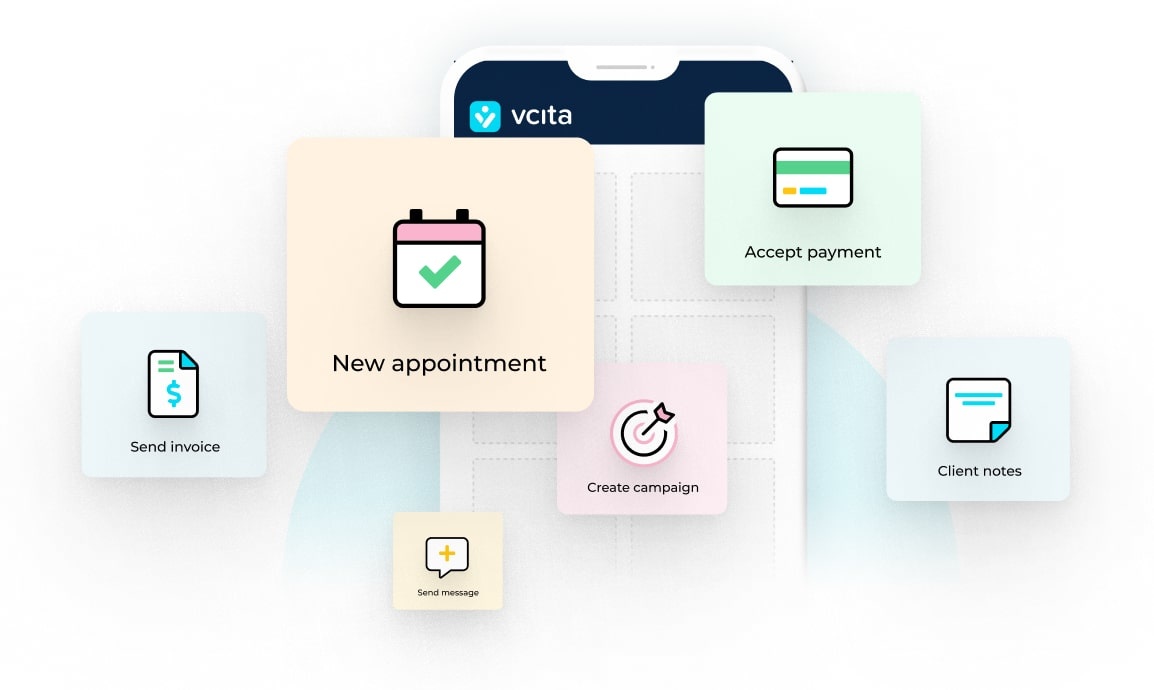
- Everything is connected to one system. In vcita, your offerings, pricing, calendar, and customer data all live side-by-side. Service descriptions and calendar logic are connected, so when you adjust prices for a service, they are updated across the board.
- The transition from ‘reading’ to ‘booking’ is smooth. Your customer reads your service description, clicks to book, receives reminders, and pays, all in the same place.
- You retain control. BizAI suggests a draft wording, but you choose whether to accept it, change it to reflect your personality, or rewrite it completely.
If you’re already juggling too many tools, vcita is a perfect way to combine them. That’s why a number of service businesses choose to make this app their hub instead of adding another point solution for a specific task.
Bring clarity to your service descriptions
There’s no need to leave potential customers guessing about the services you offer. With these pointers and the help of vcita’s BizAI, you can write clear descriptions, increase conversions, and save time too.
FAQs
Q: How long should a service description be?
Long enough to answer the key questions, short enough to be skimmable. For most small businesses, 150 to 300 words is a good range.
Q: Are separate descriptions required for my website, social media, and booking site?
They don’t need to be vastly different, but you can customize and adjust for length and details. For example, keep the lengthy description on your main site and write shorter, punchier forms for social media posts. Make them most concise for a booking page, since the person already read your longer description.
Q: I am really bad at writing. What if this is difficult for me?
That’s where tools come in. vcita’s BizAI can generate a description of your business services just from your information about your services and your target audience. Then you can adjust that to sound natural for you instead of staring at a blank piece of paper.
Q: Should I include the price in the service description?
If your pricing is quite straightforward, including it can be a good way to build trust and save time. If it’s more custom, share a “starts at” range, or describe what you charge and ask the client to book a quick call or send you details for a price. vcita can assist you with that.
Q: How frequently should I post service description updates?
Check them periodically or whenever you shift the way you work, introduce a new service, or get the same question from the same client. When people keep asking for “So what’s included?”, that’s a sign that your description is due for a wording adjustment.
Where to learn more:
How to use BizAI for your small business
Best business software for small service providers
Reduce administrative workload with software built for small service businesses
Client communication best practices for freelancers